
Certified Network Security Practitioner (CNSP) — A Practical Guide

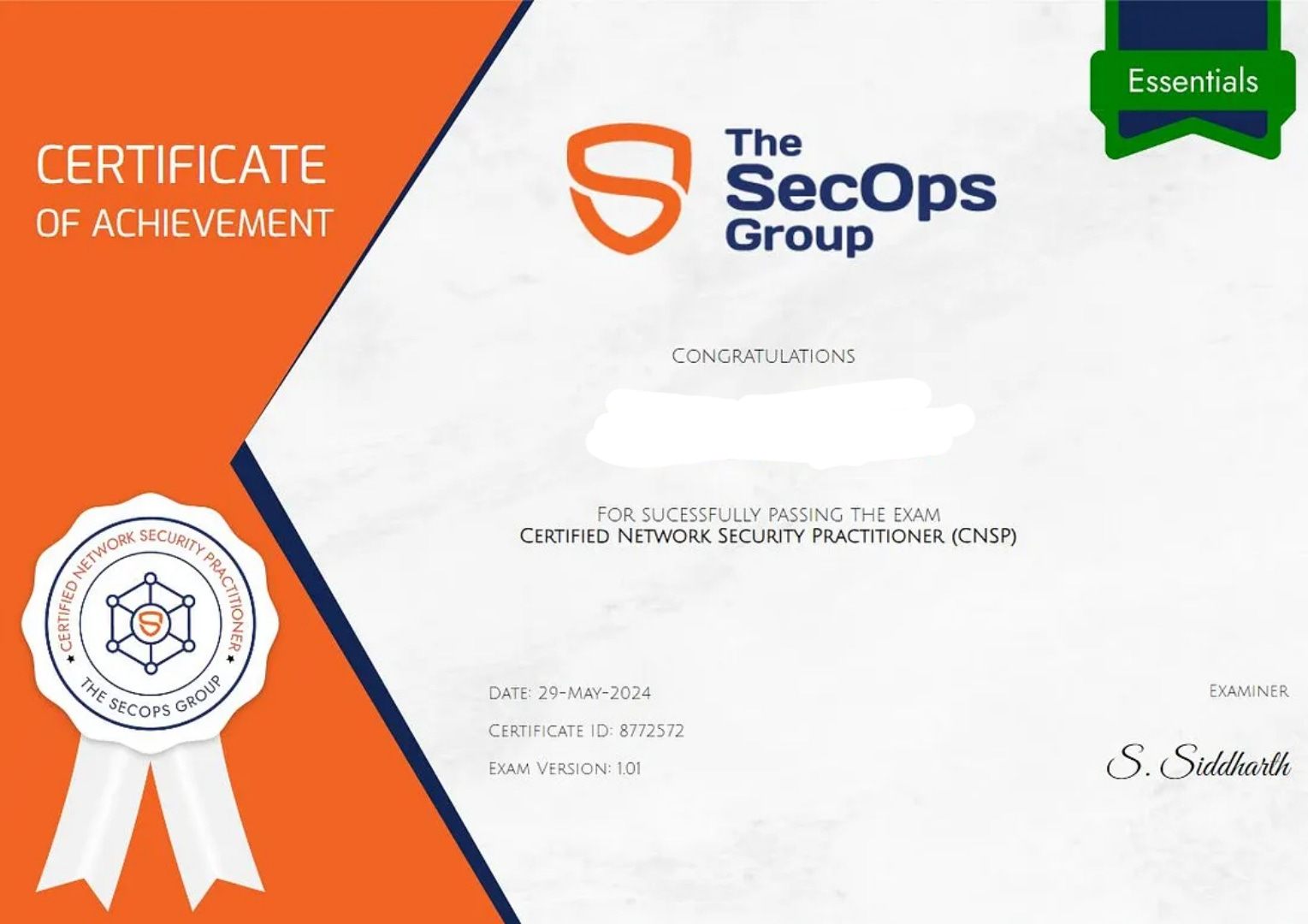
After getting several DMs from my LinkedIn connections, here I am again with another exam review — this time for the Certified Network Security Practitioner (CNSP) certification from The SecOps Group.
I’ll keep this guide simple, straightforward, and beginner-friendly. If you’re planning to take CNSP soon, this will save you from confusion and over-preparation.
Why This Exam Is Different
The CNSP exam doesn’t come with official learning material.
No video course, No official handbook, Just the syllabus.
So your preparation depends entirely on how well you understand the fundamentals of networking and basic security concepts.
The exam is entry-level, so don’t panic, basics are more than enough.
The CNSP Syllabus (Explained Simply)
Here’s what the exam expects you to know. I’m also attaching useful GeeksforGeeks resources to strengthen your fundamentals quickly.
1. TCP/IP & Networking Basics
Understanding how networks work is the foundation.
• TCP/IP Model
https://www.geeksforgeeks.org/tcp-ip-model
• Basics of Computer Networking
https://www.geeksforgeeks.org/basics-of-computer-networking
• Ports and Services
https://www.geeksforgeeks.org/tcp-ip-ports-and-its-applications
2. OSI Layers
Know each layer and what happens inside it.
• OSI Model
https://www.geeksforgeeks.org/layers-of-osi-model
3. IPv4 & IPv6 Addressing
Subnets, classes, private vs public ranges.
• IP Addressing
https://www.geeksforgeeks.org/introduction-of-classful-ip-addressing
4. Routers, Switches & Hubs
The basic devices that make networks work.
• Data Link Layer (Switch concepts inside)
https://www.geeksforgeeks.org/data-link-layer-in-osi-model
5. Network Discovery & Mapping
Protocols, scans, fingerprinting — the initial phase of security.
• Footprinting Tools
https://www.geeksforgeeks.org/footprinting-in-ethical-hacking
6. Network Scanning
Nmap fundamentals, identifying services, and enumerating hosts.
• Nmap Overview
https://www.geeksforgeeks.org/nmap-in-kali-linux
7. Cryptography Basics
Just the fundamentals — symmetric vs asymmetric, hashing, etc.
https://www.geeksforgeeks.org/computer-networks/cryptography-introduction/
8. Active Directory Security
Basic AD structure + common attack techniques.
https://www.youtube.com/live/zBE78uq62ts?si=kUhPbAXusgGplIcm
9. Linux & Windows Security Basics
Permissions, services, security controls, patching concepts.
https://m.youtube.com/watch?v=ROjZy1WbCIA
https://m.youtube.com/watch?v=q1-kcfrzIZ0
10. Common Windows Vulnerabilities
SMB, outdated services, misconfigurations.
https://calcomsoftware.com/windows-10-most-critical-vulnerabilities-in-2022/
11. Web Server & Framework Testing
HTTP basics, headers, common vulns.
https://www.w3schools.com/tags/ref_httpmethods.asp
12. Basic Malware Analysis
Just enough to understand behavior and indicators.
https://www.geeksforgeeks.org/software-engineering/introduction-to-malware-analysis/
https://m.youtube.com/watch?v=-cIxKeJp4xo&pp=0gcJCR4Bo7VqN5tD
13. Social Engineering Attacks
Phishing, impersonation, baiting, basics of human manipulation.
https://m.youtube.com/watch?v=6ZCjbjoC3ZA
14. Security Tools
Nmap, Wireshark, Dirb, OSINT tools, etc.
https://m.youtube.com/watch?v=LTMucsu35dk
https://m.youtube.com/watch?v=qTaOZrDnMzQ
15. Database Security
SQL basics, injection awareness, authentication, backups.
https://m.youtube.com/watch?v=2nXOxLpeu80
16. TLS Basics
How HTTPS works, certificates, handshake.
https://m.youtube.com/watch?v=AlE5X1NlHgg
17. Password Storage
Windows SAM hashes, Linux /etc/shadow.
https://m.youtube.com/watch?v=vQ1iHdiyjb8
How YOU Should Prepare
1. Start With Networking Fundamentals
OSI Model → TCP/IP Suite → IP Addressing → Devices (Router/Switch/Hub)
These form 60% of your understanding across the entire syllabus.
2. Move Into Scanning & Enumeration
Learn what Nmap can do.
Understand open ports.
Know how networks reveal information.
3. Learn Basic Security Concepts
Not hardcore exploit dev — just foundational stuff.
• AD basics
• Malware basics
• Social engineering
• TLS
• Password storage
• Windows/Linux security fundamentals
4. Take the Mock Exam Seriously
Treat it like the real one.
Time yourself.
Review every question.
5. Quick Revision Before Exam
Review:
• OSI/TCP-IP
• IP addressing
• Nmap basics
• AD basics
• TLS
• Common vulnerabilities
That’s enough to comfortably pass.
Is the Exam Hard?
Honestly — no. It’s an entry-level exam.
If you know the basics of networking and security, you’ll do just fine. Don’t overthink. Don’t try to master advanced pentesting concepts. Focus on the topics listed above and you’ll clear it easily.
Final Words
The CNSP certification is a good starting point if you're entering network security. With the right focus, you can prepare in 2–4 days depending on your background.
Follow abimelsbk for getting cybersecurity and tech updates, scholarship and internship opportunities, and to grow 1 percent everyday.